
Ecommerce landing pages for one product, with the order form right on the page.
A FrameX landing page sells one product or one offer. The buyer taps your Facebook ad, reads the page and orders with cash on delivery without leaving it. Pick a design, add your product and share the link.
Updated
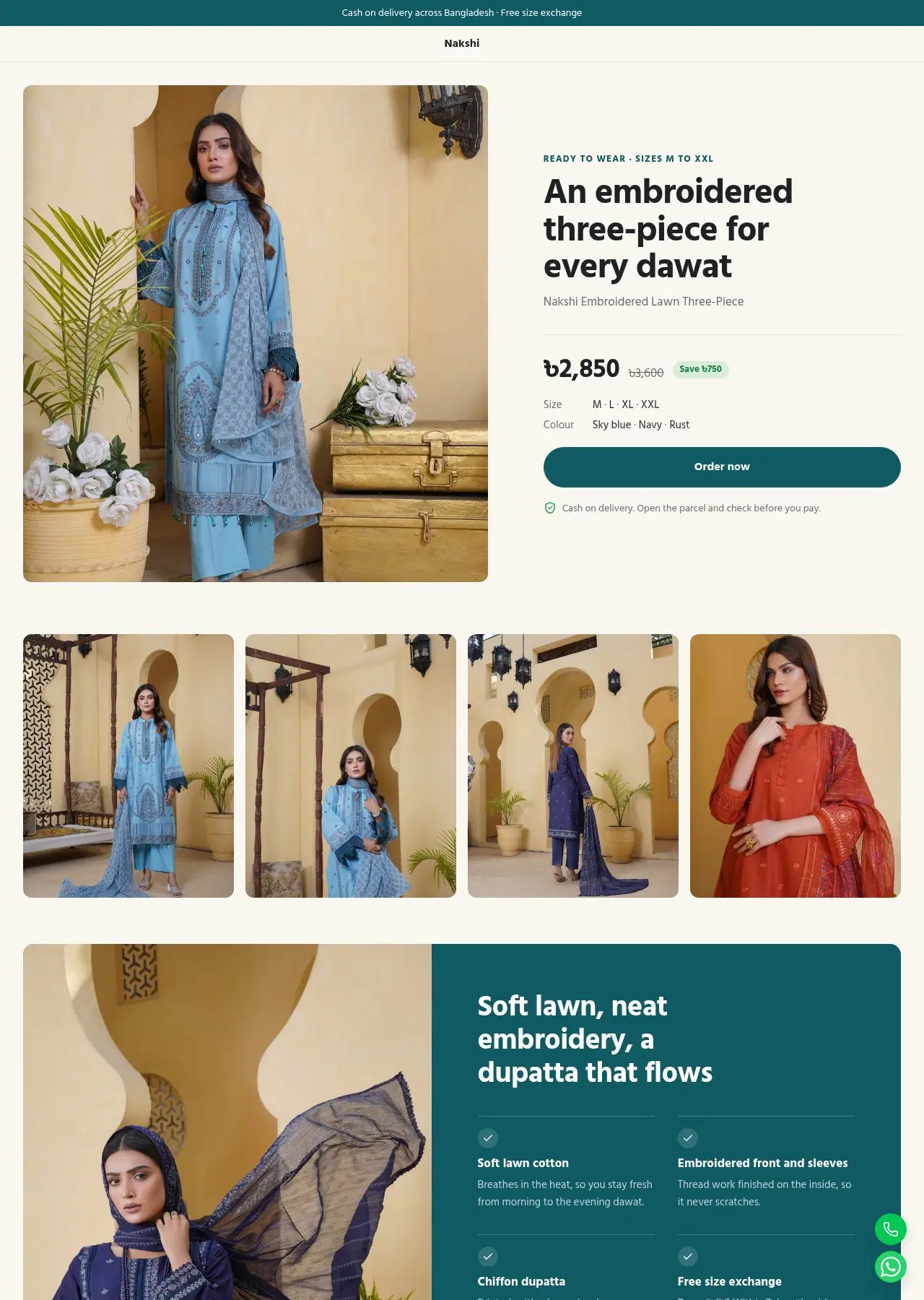
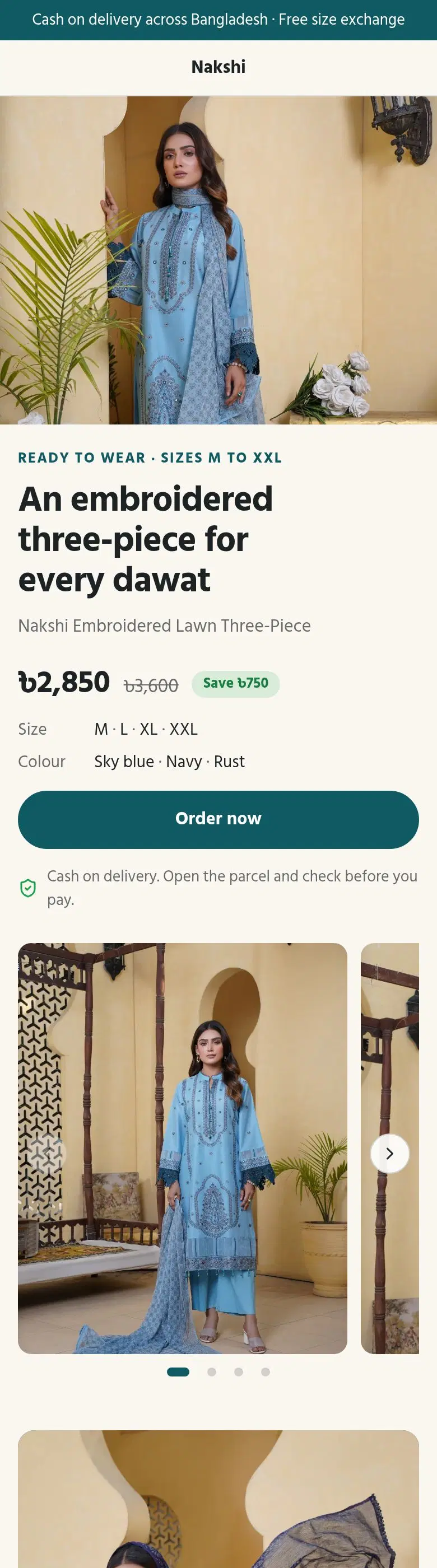
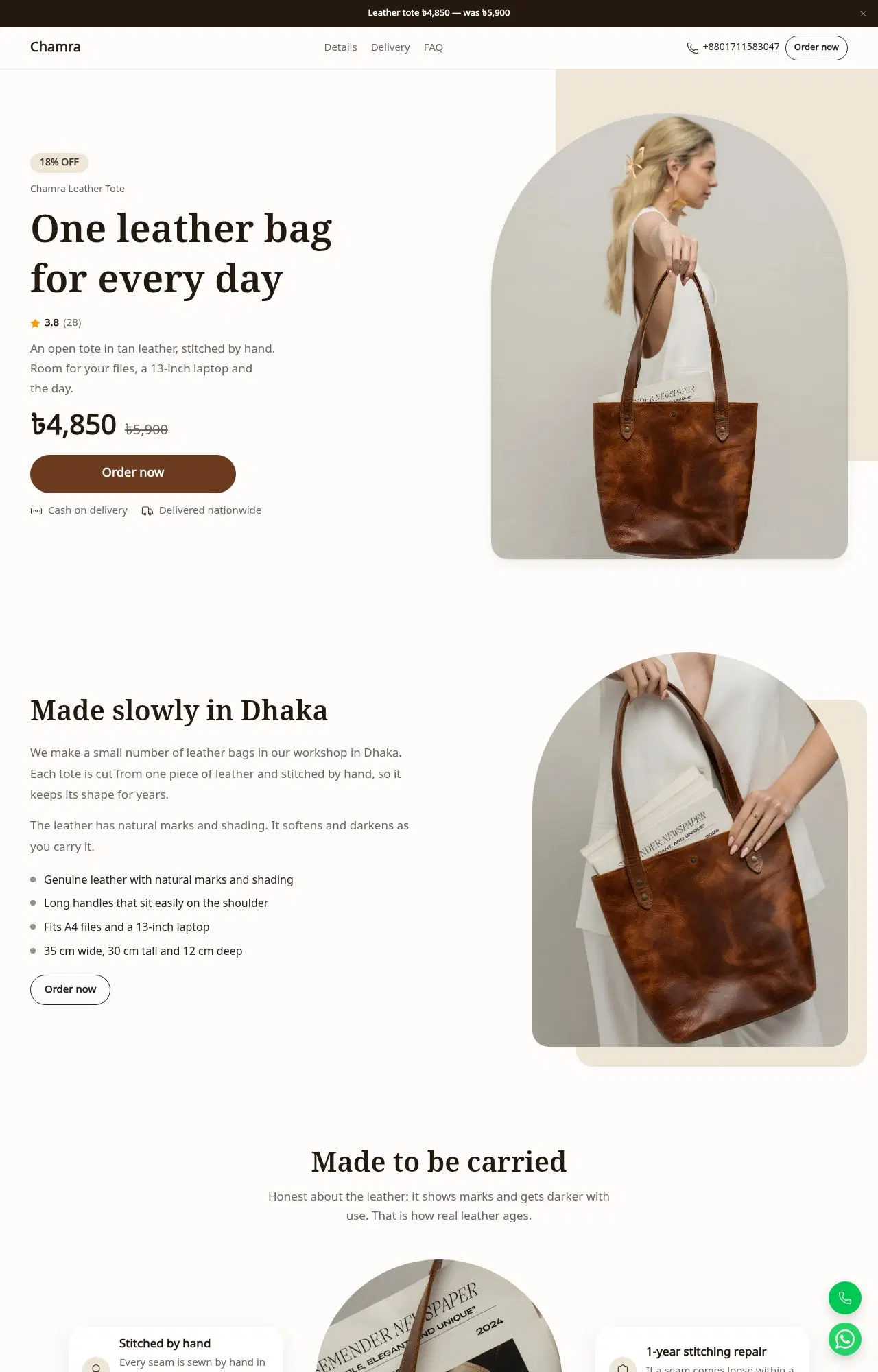
Every look is a real page
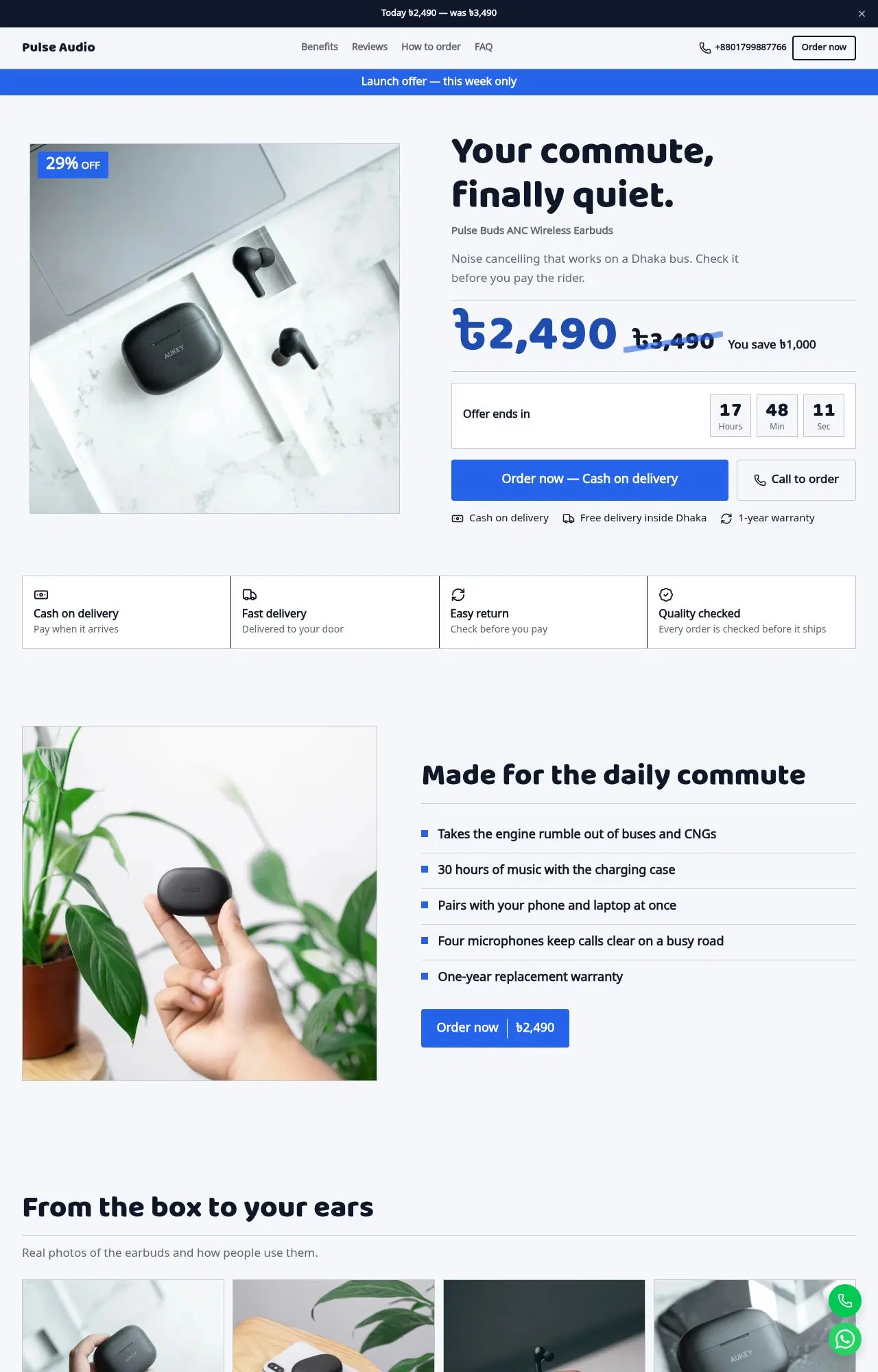
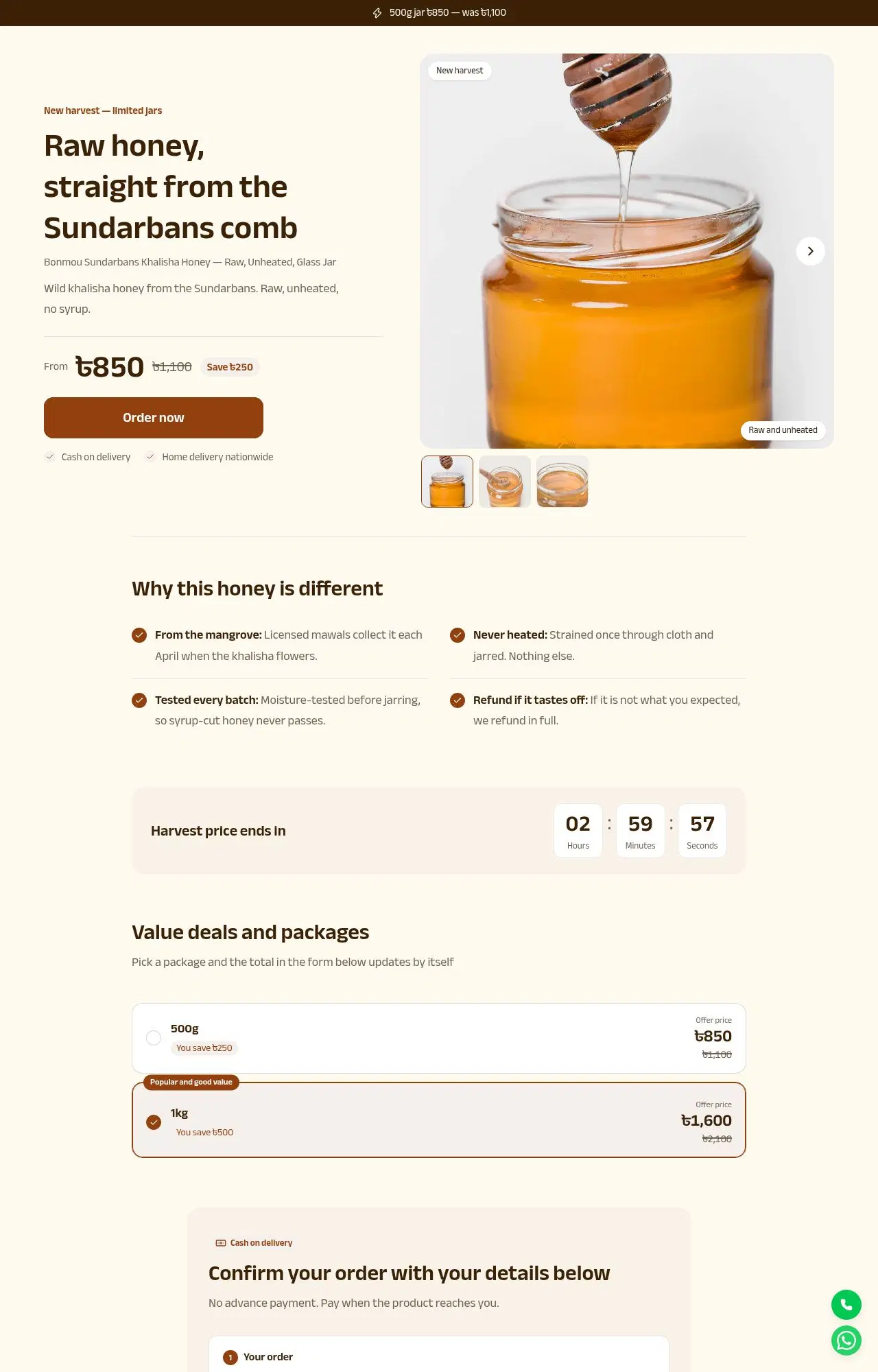
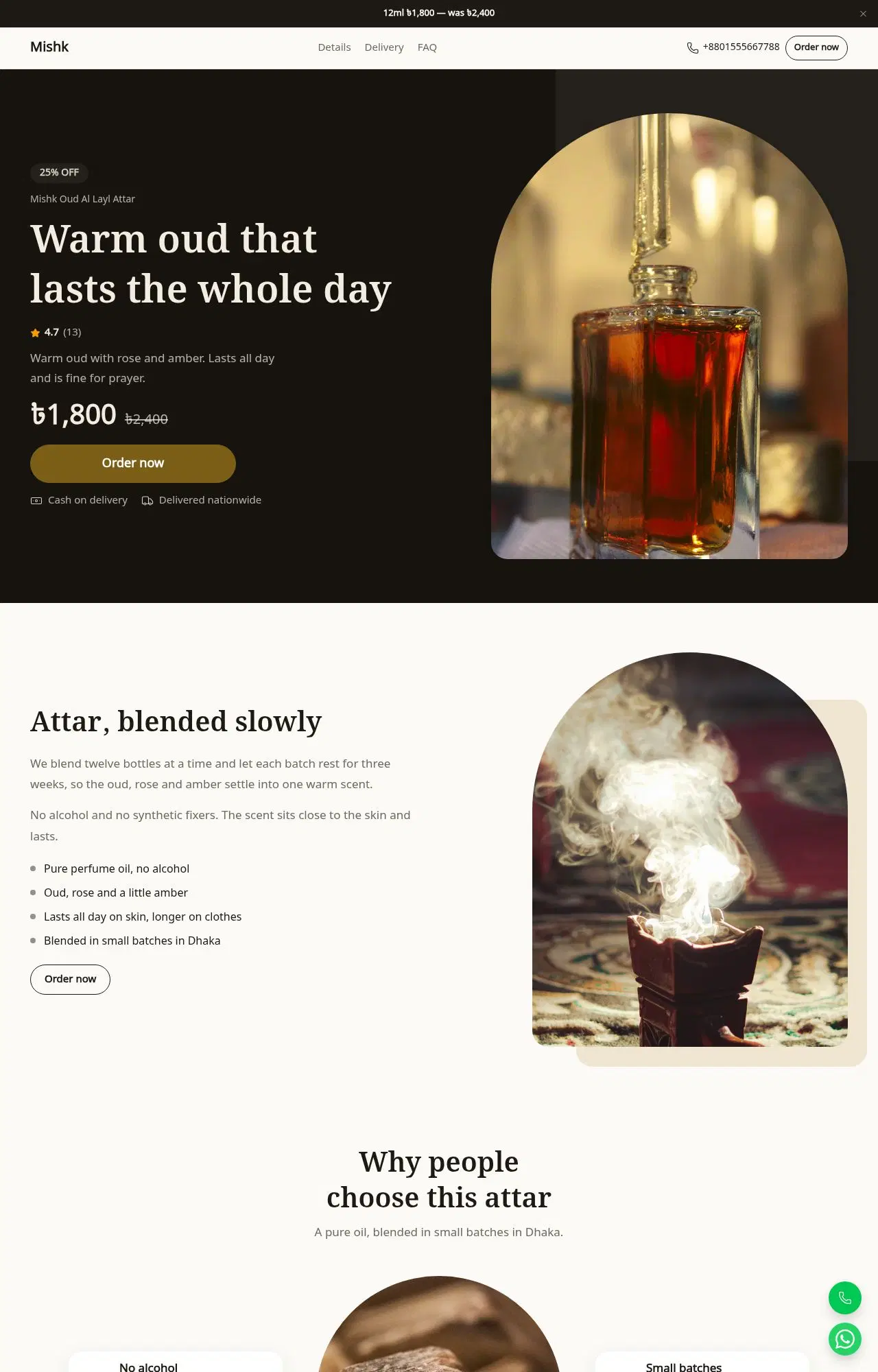
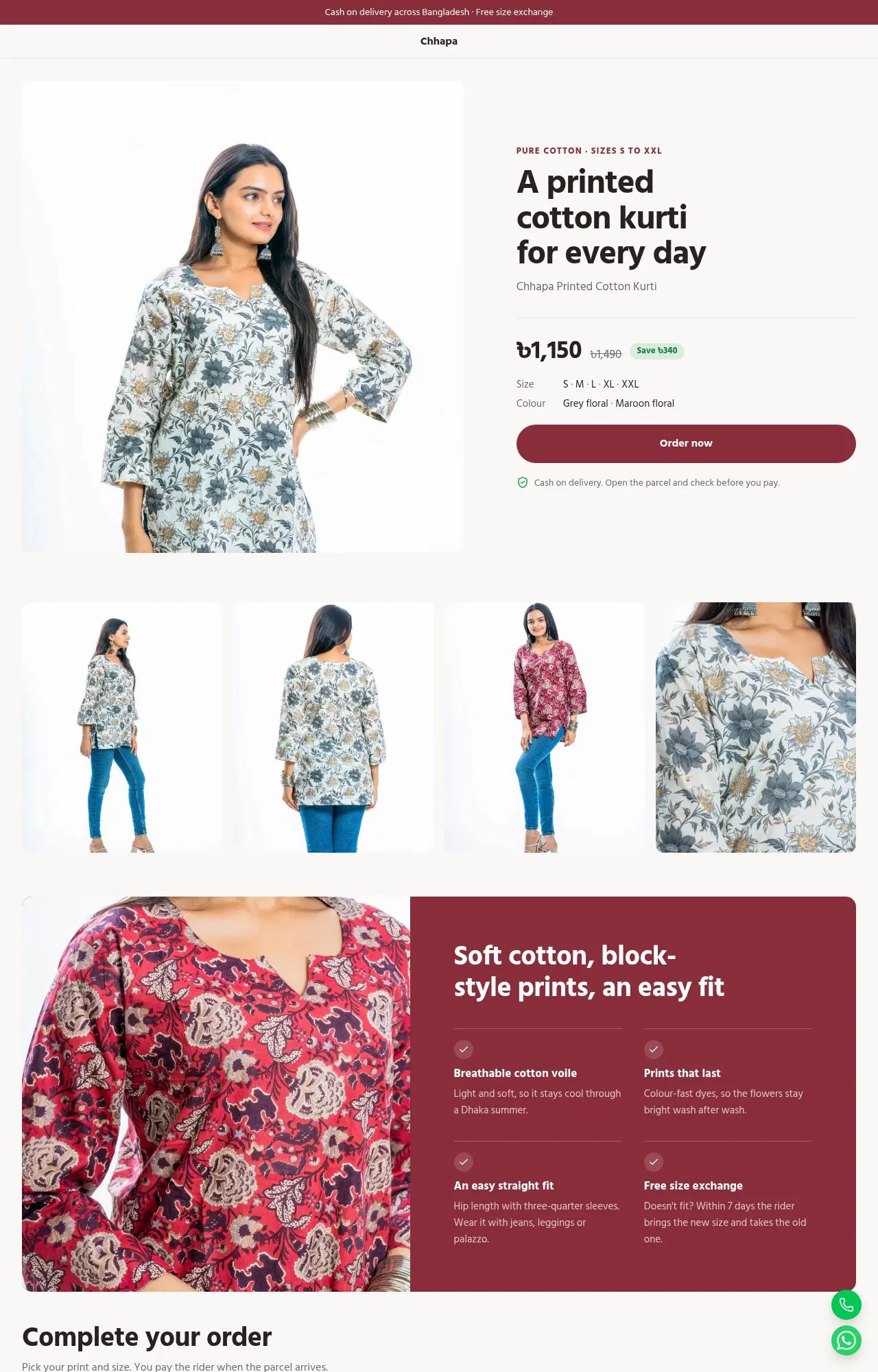
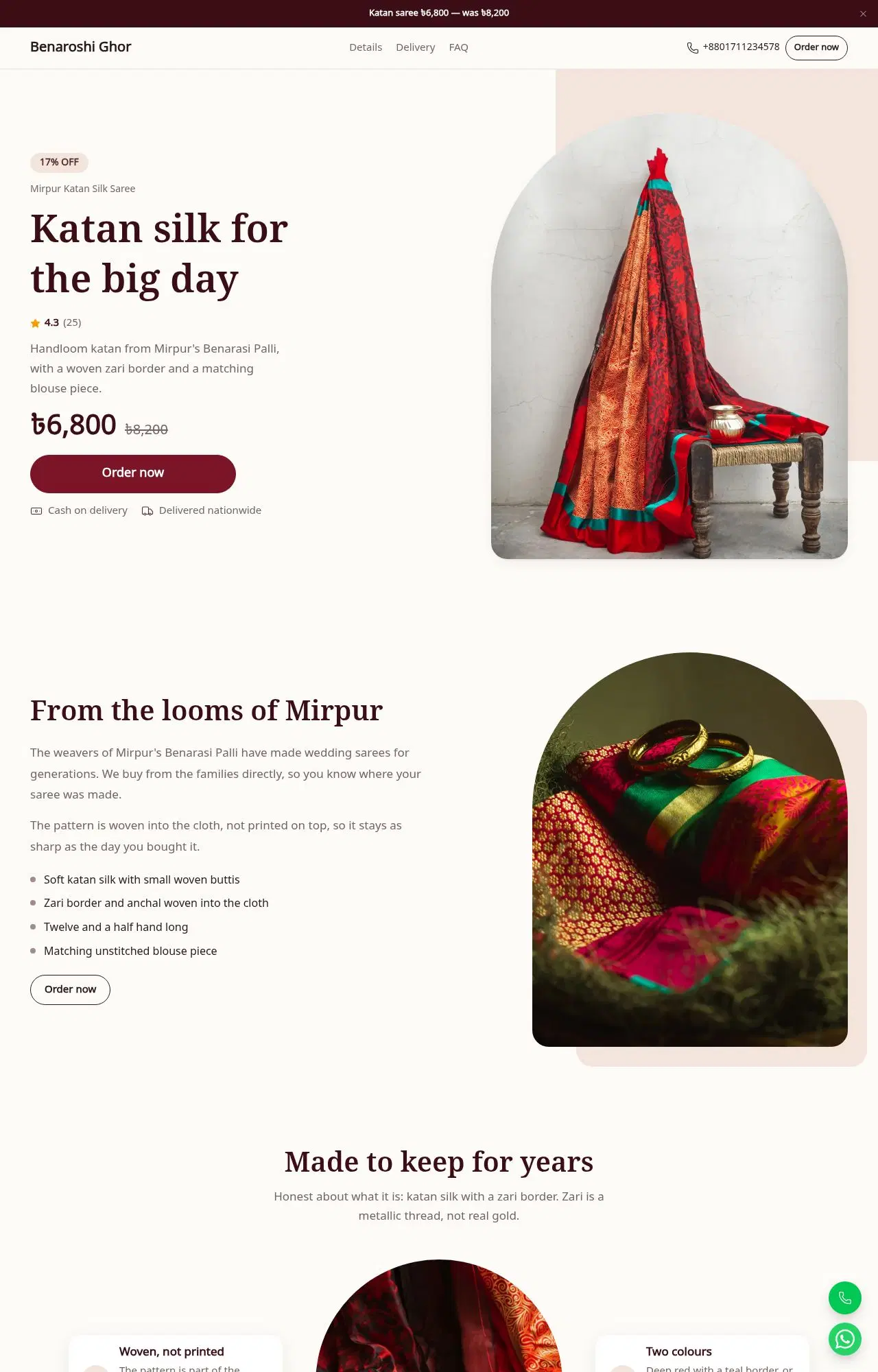
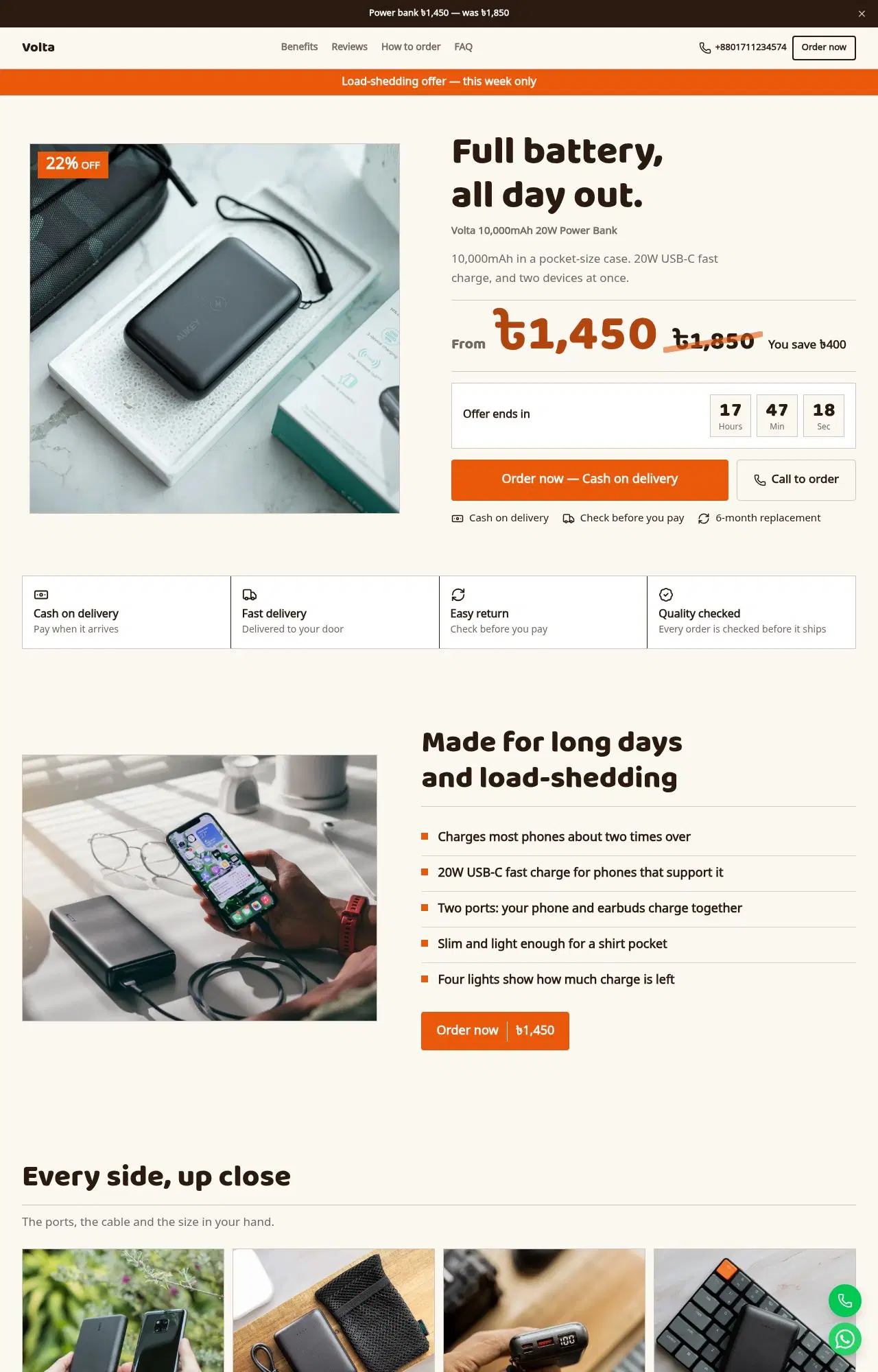
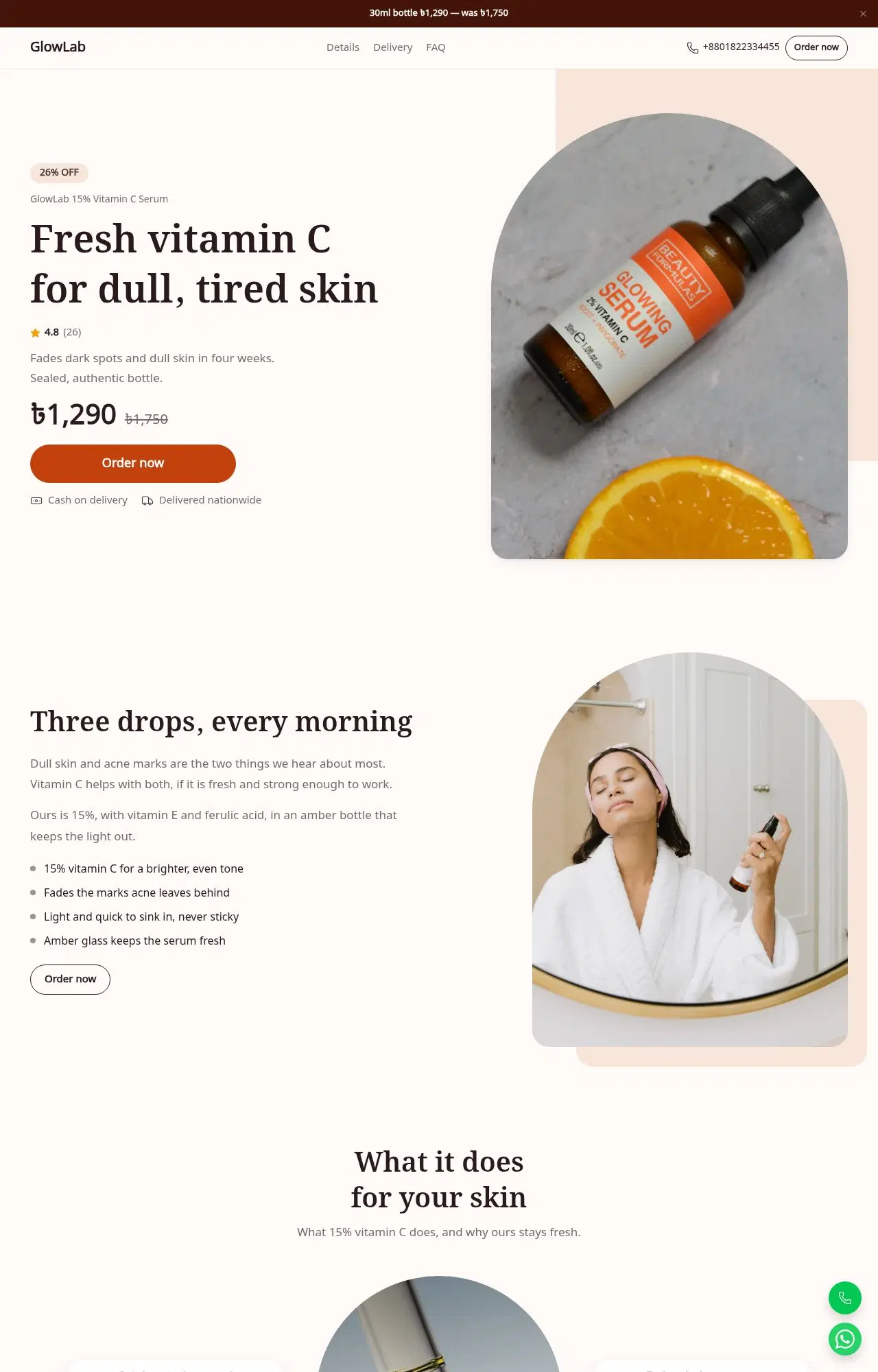
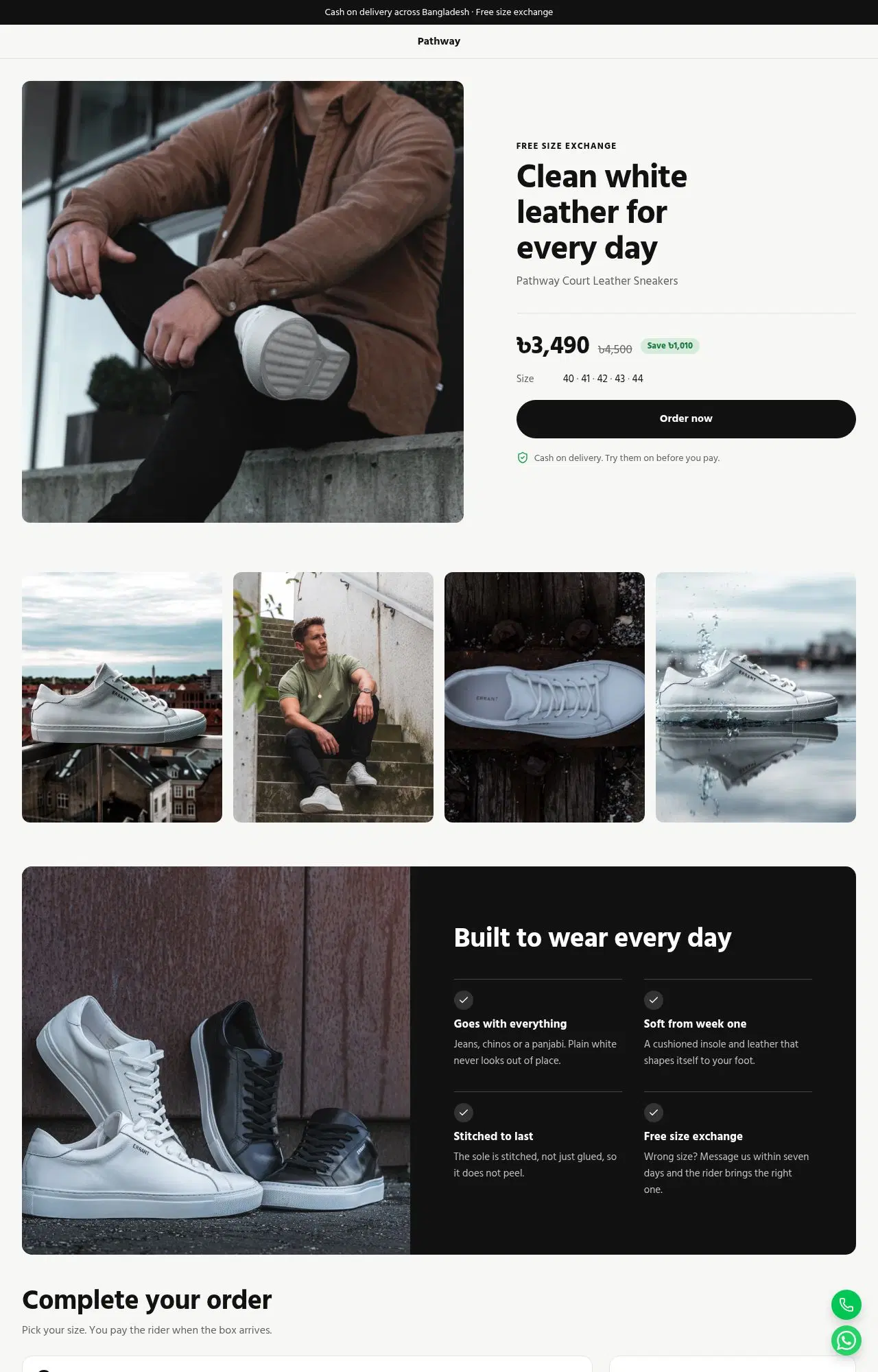
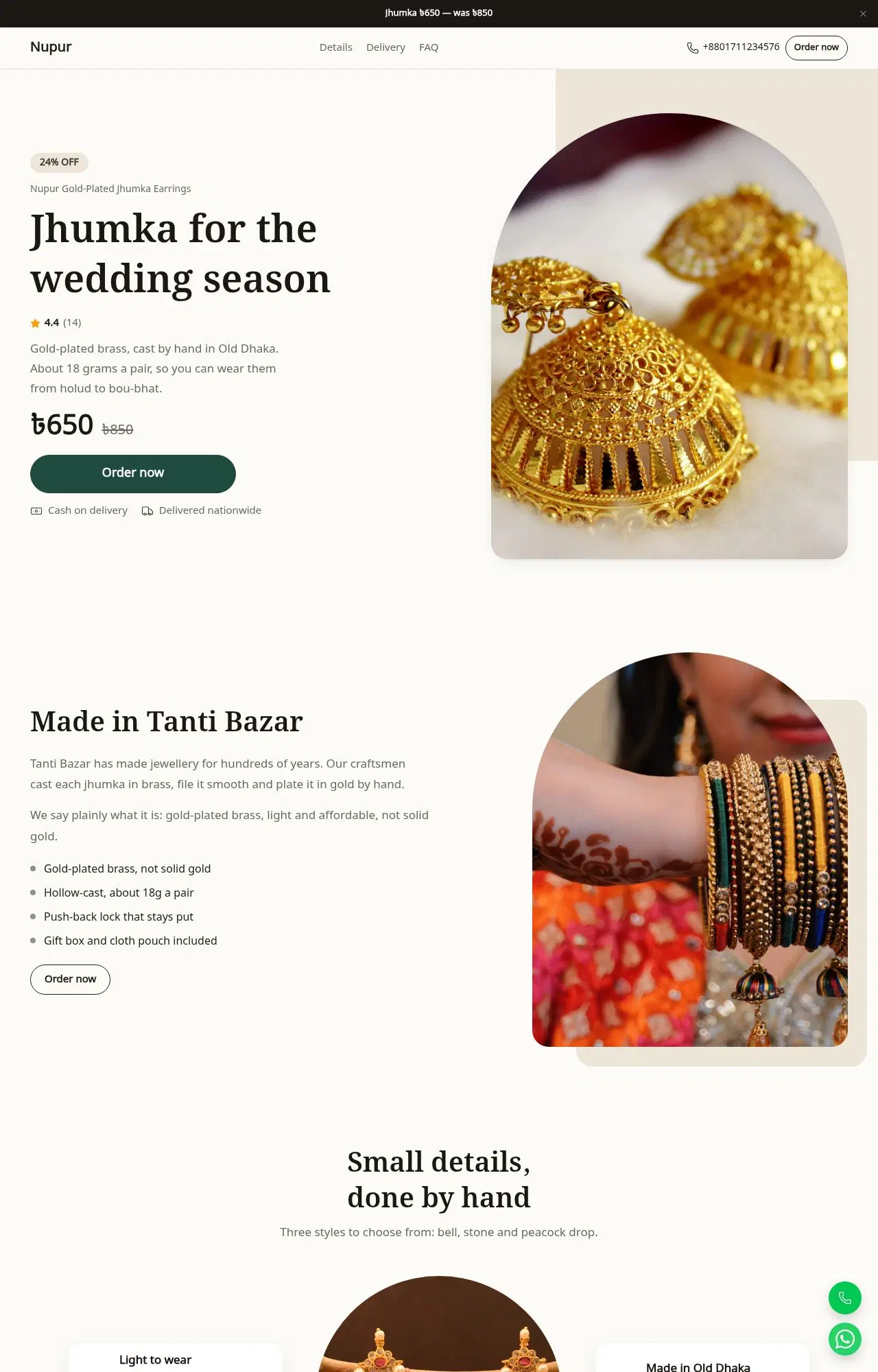
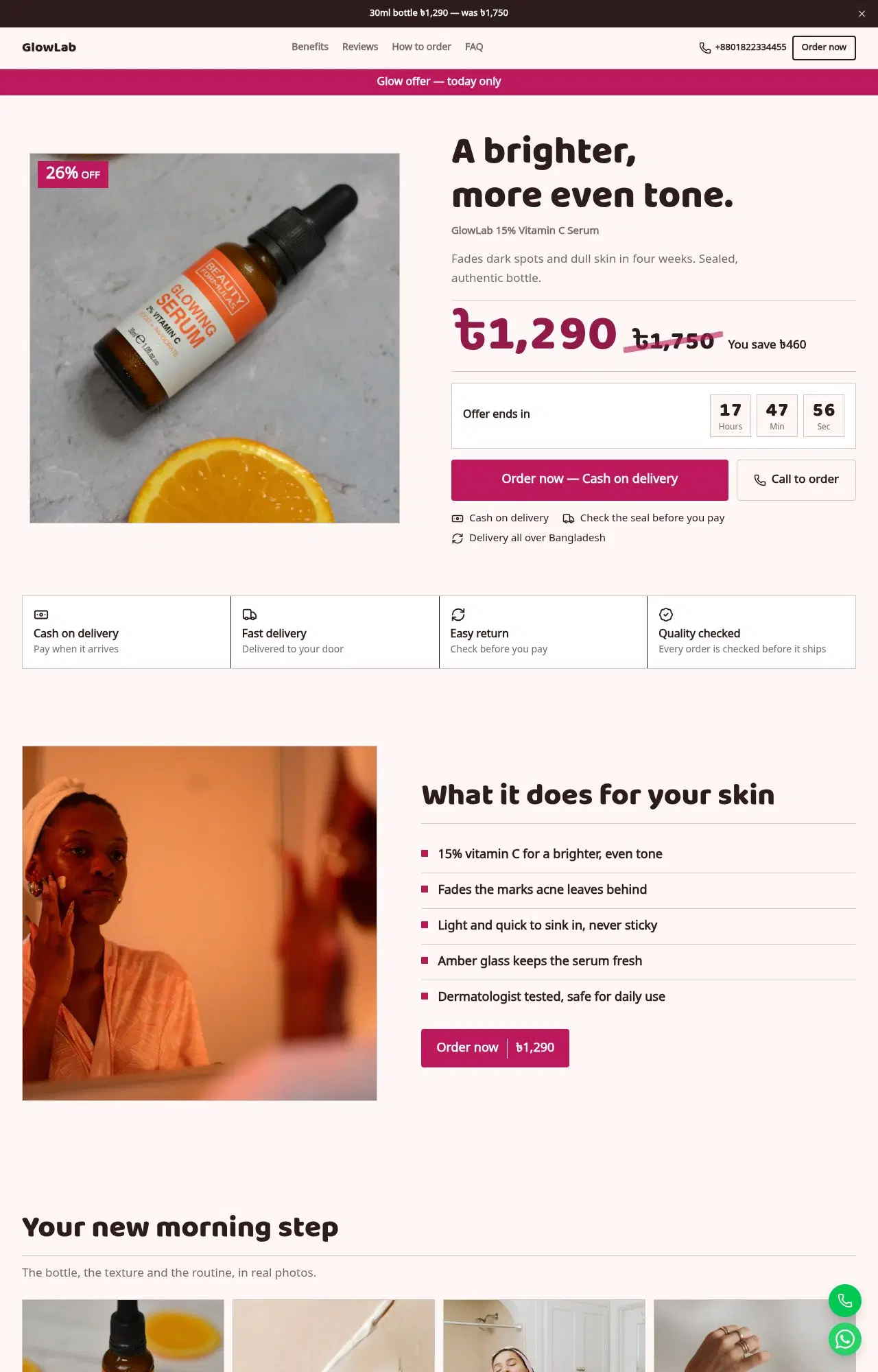
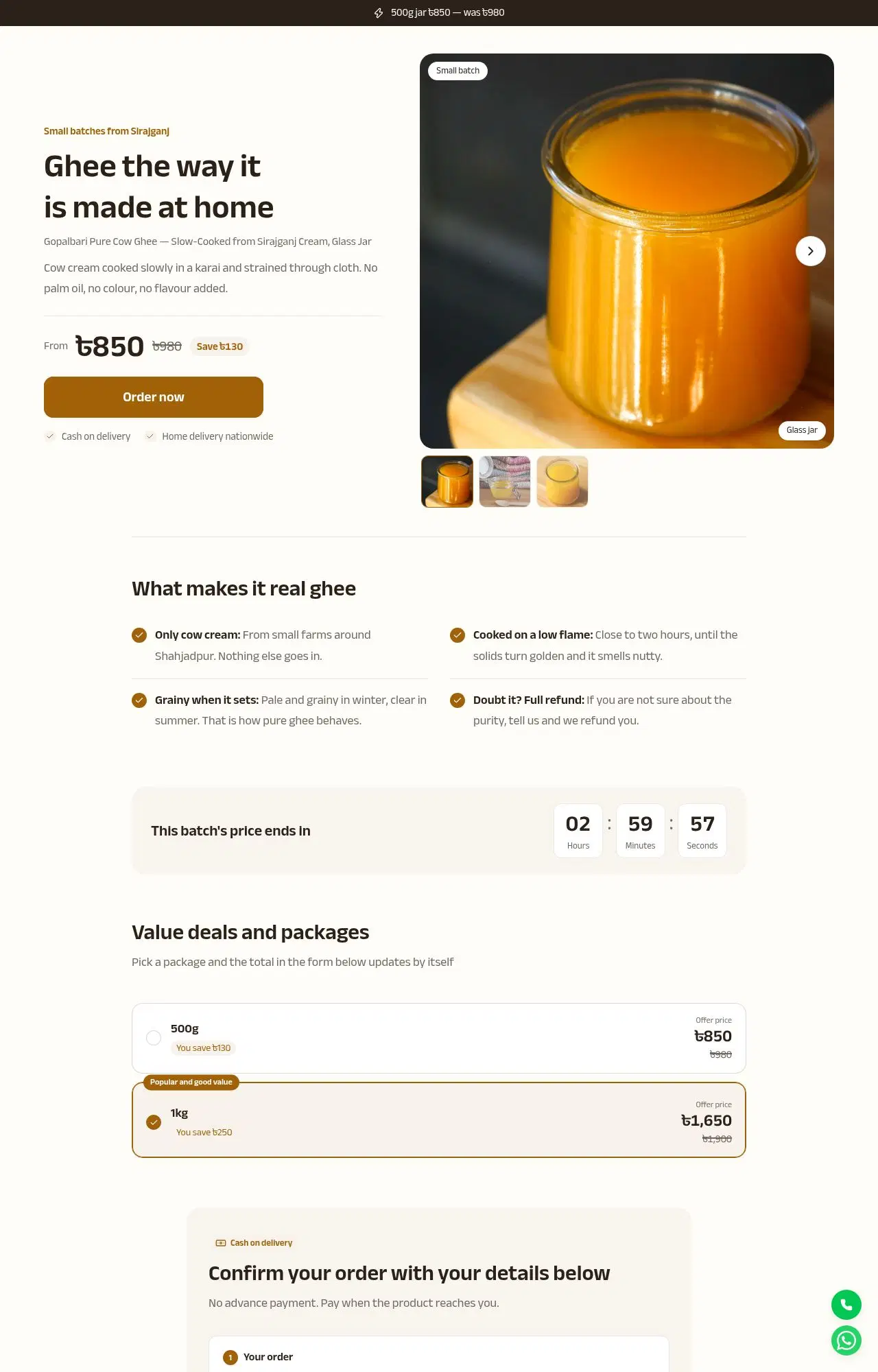
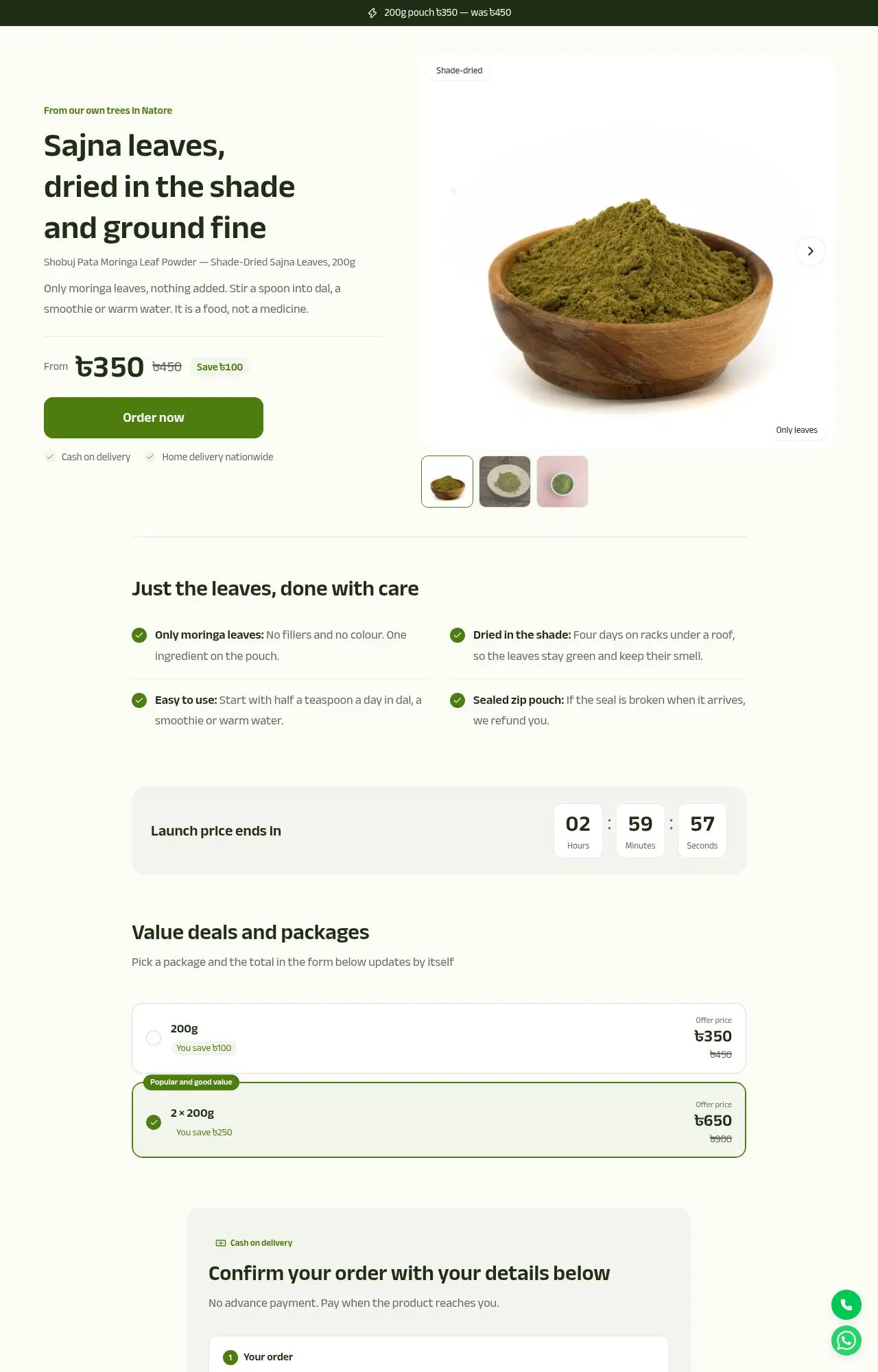
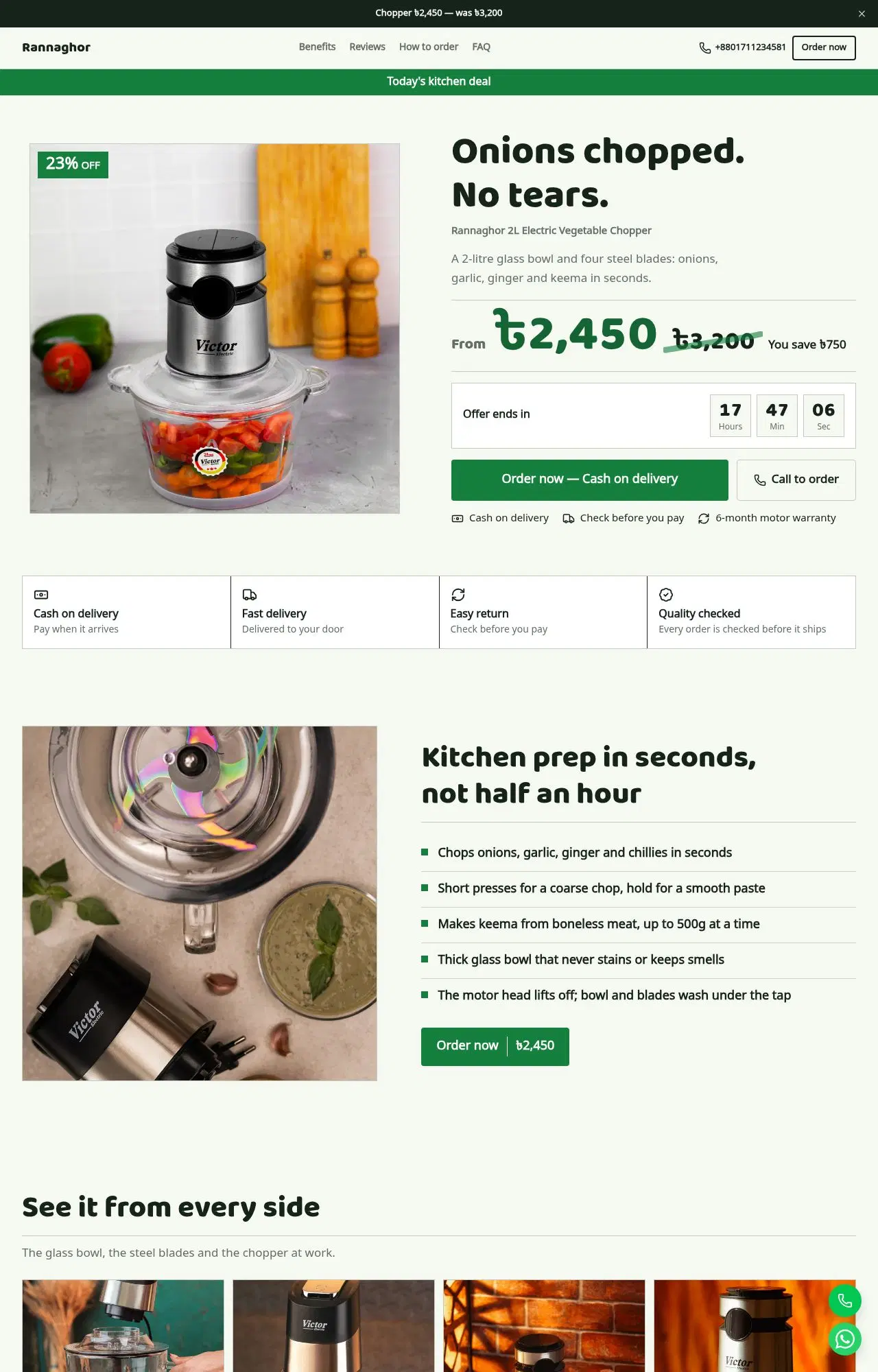
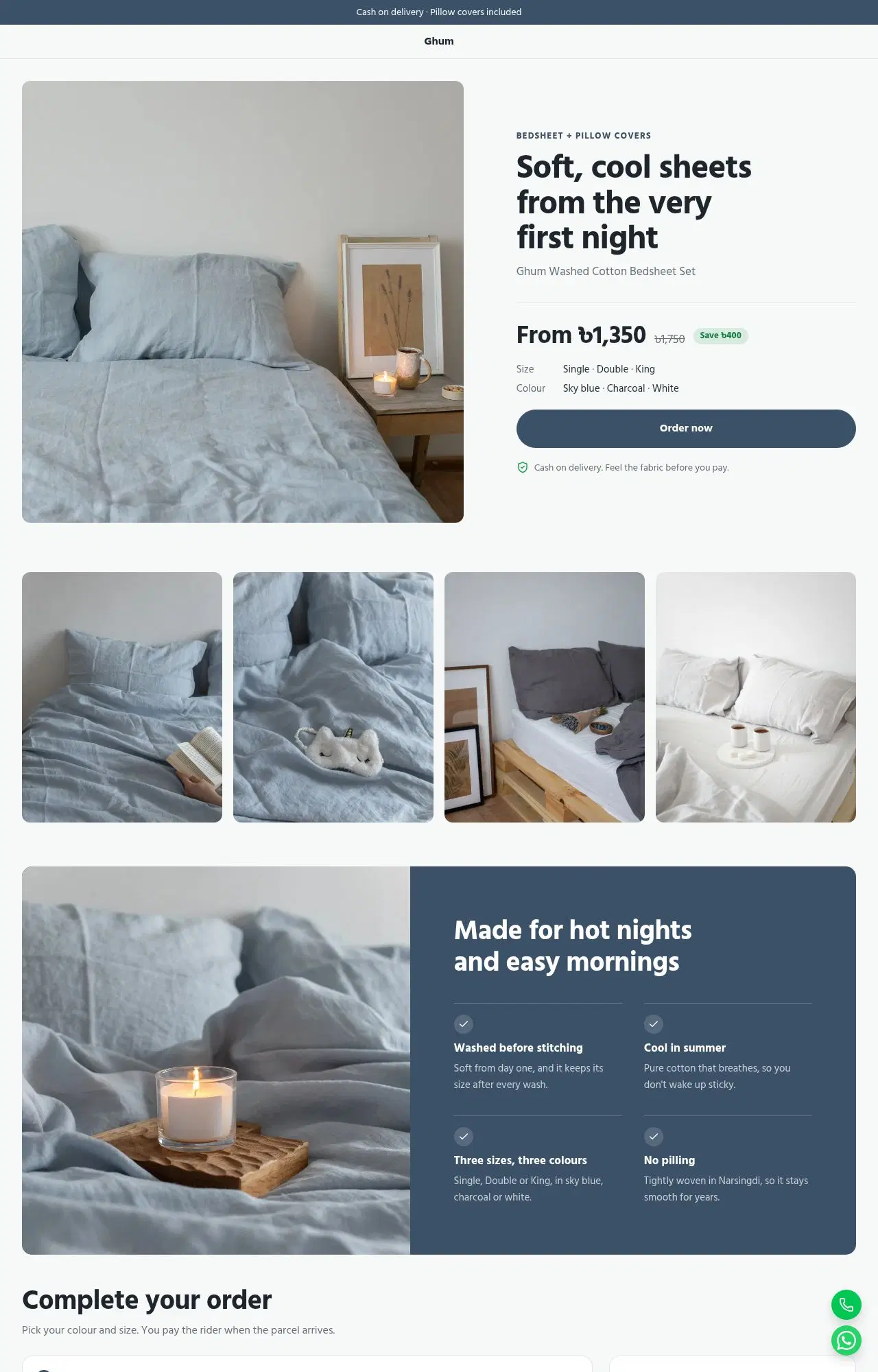
Skincare, gadgets, honey, dates, three-piece sets and more, each built with real product photos in one of four designs: Swift, Halo, Blaze and Muse.
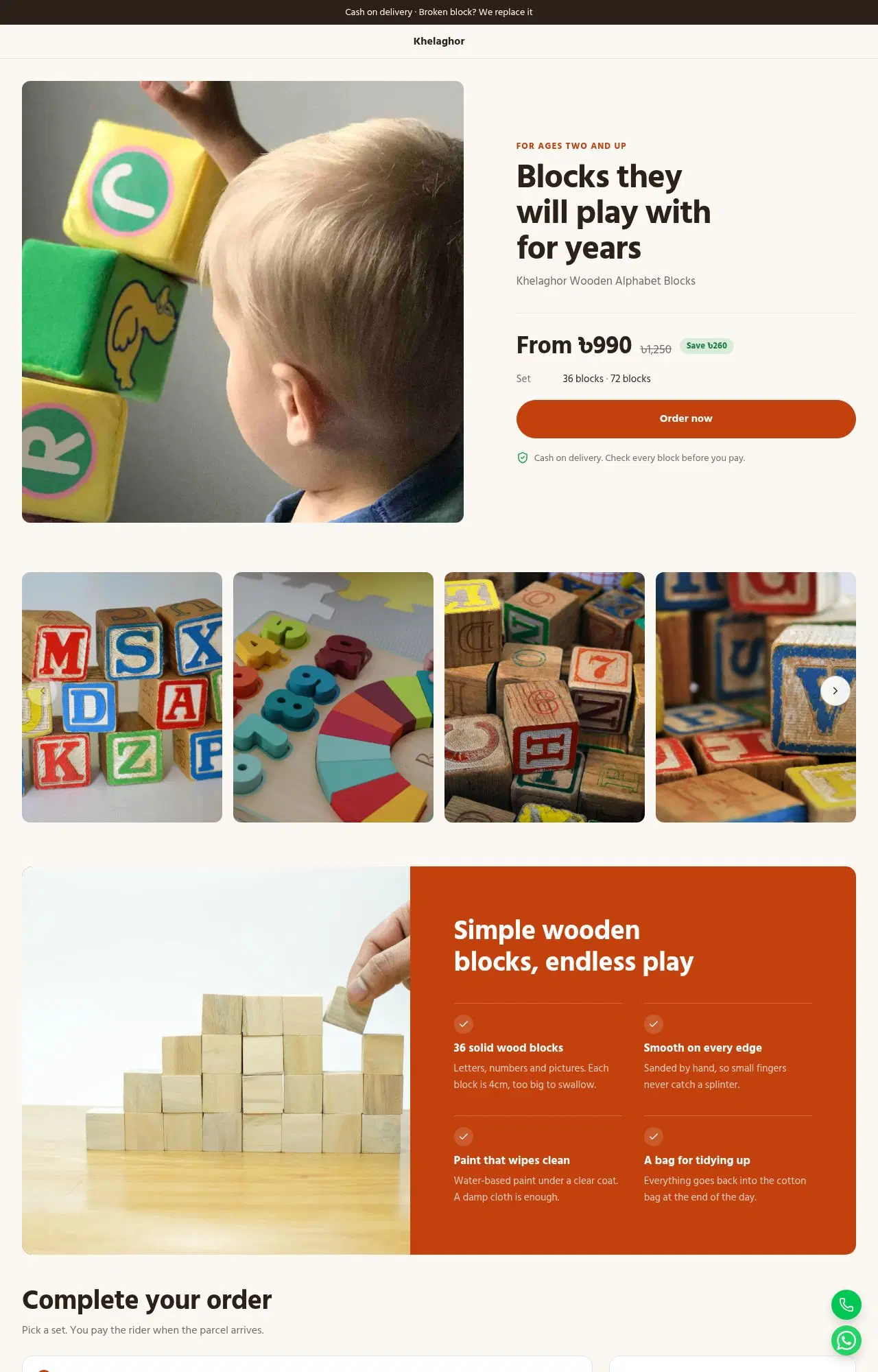
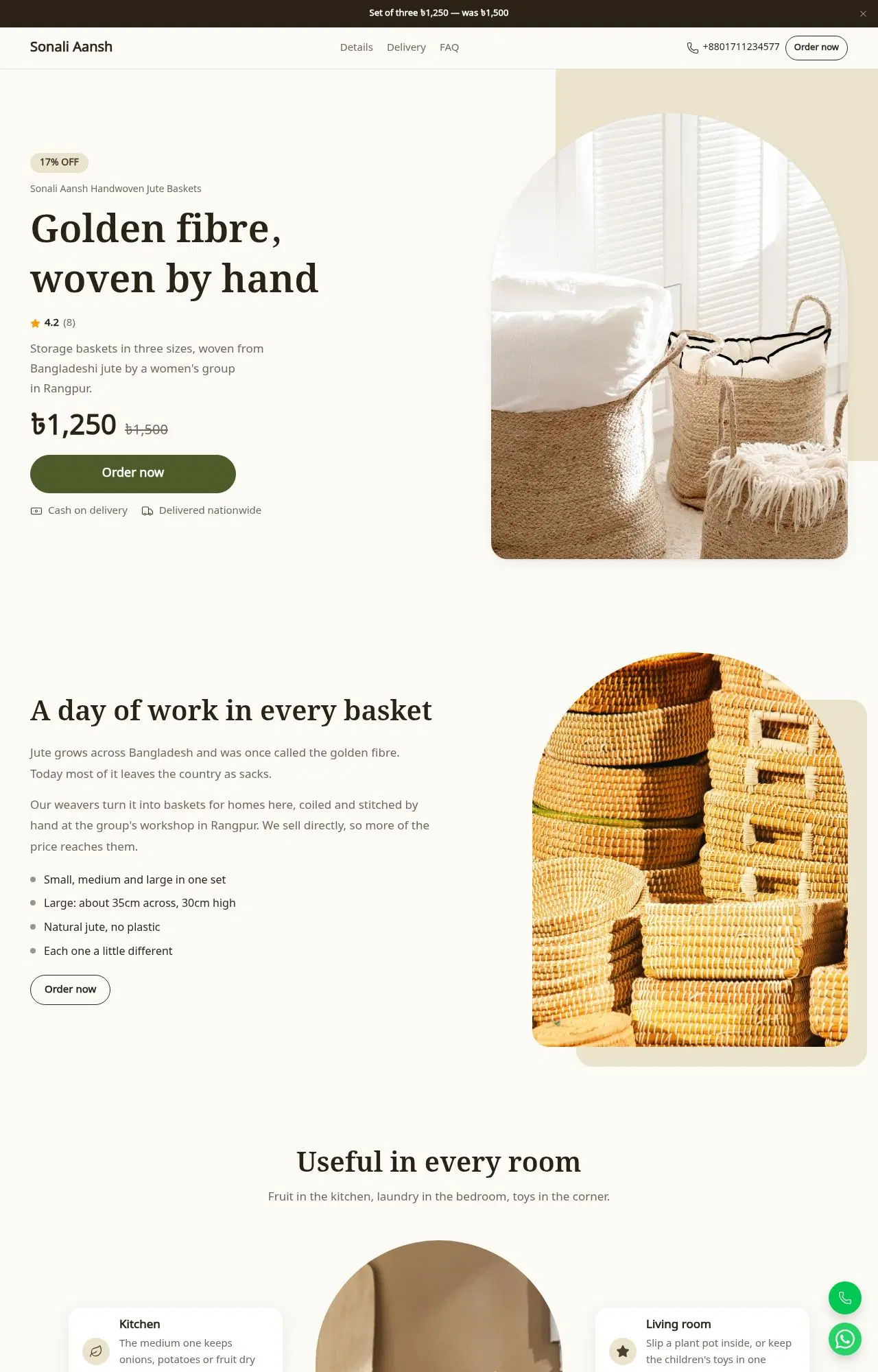
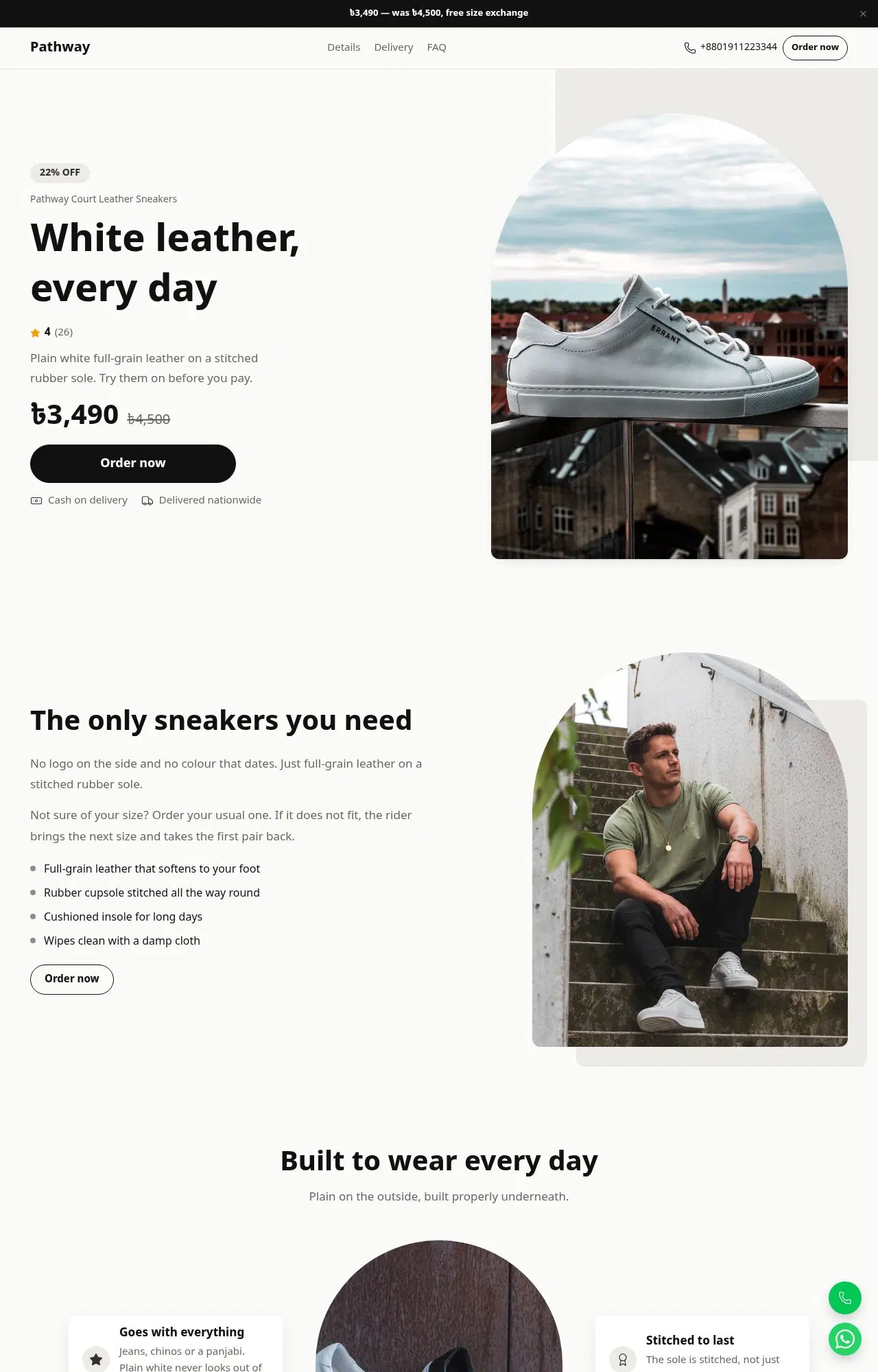
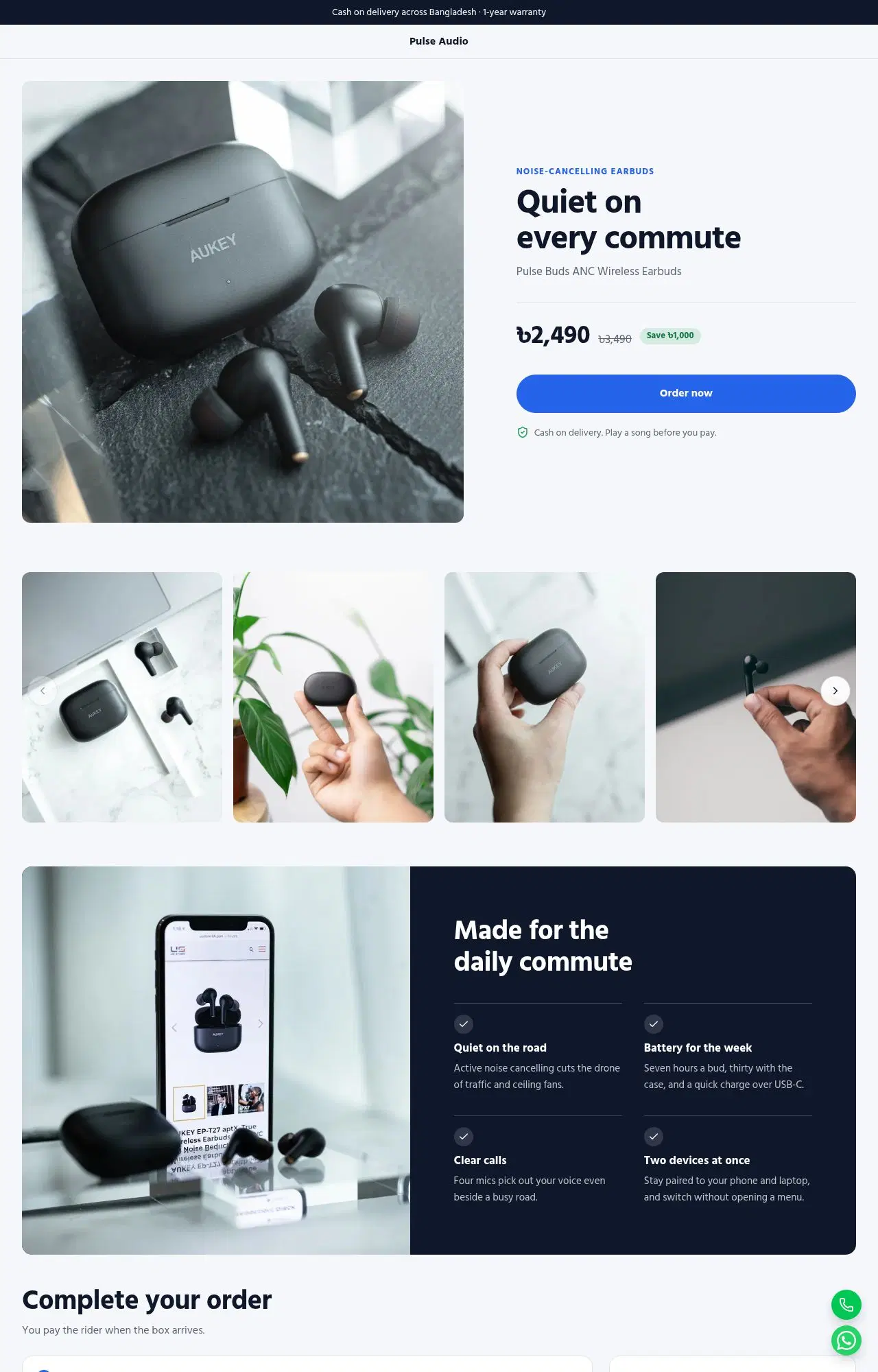
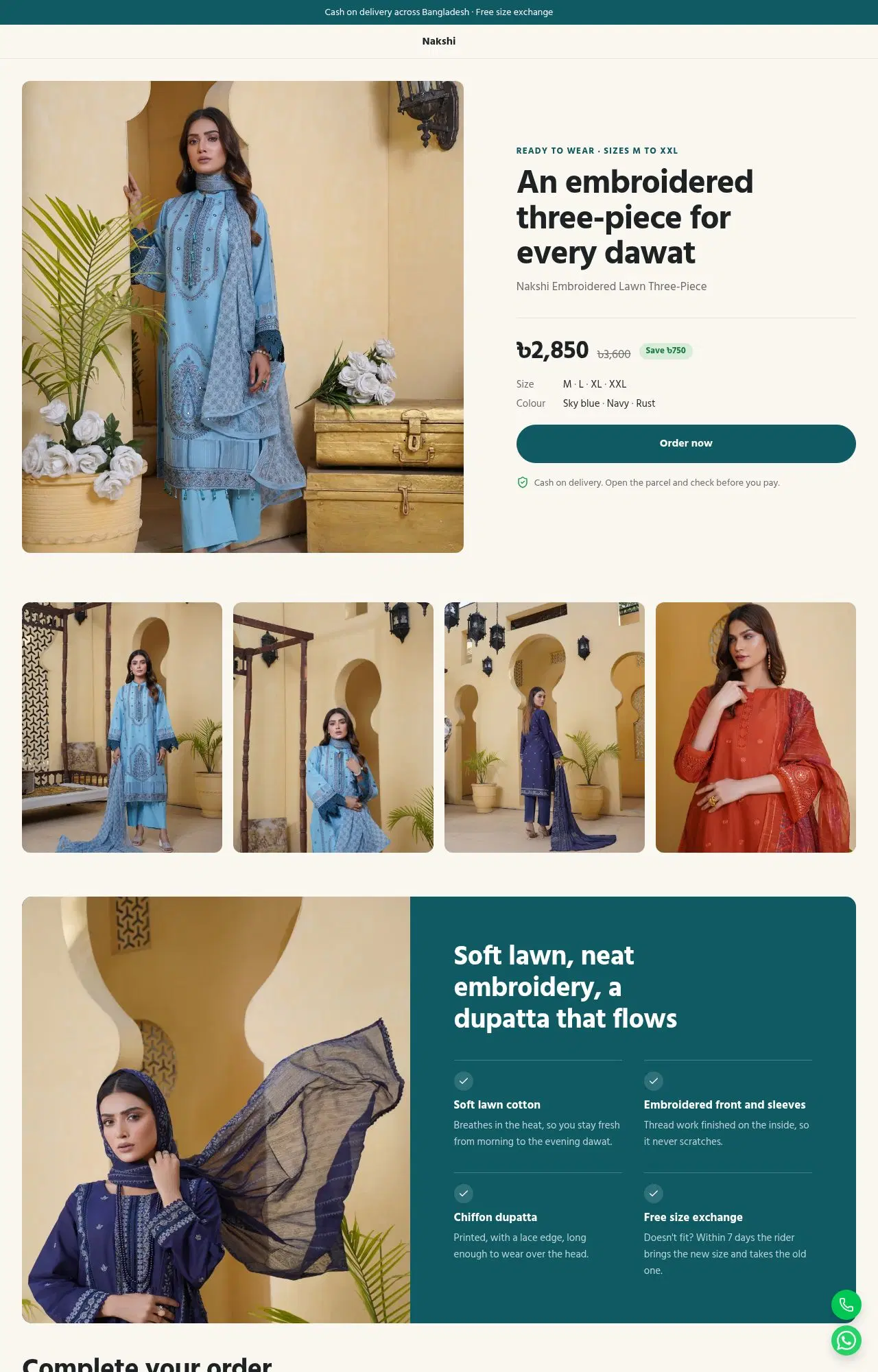
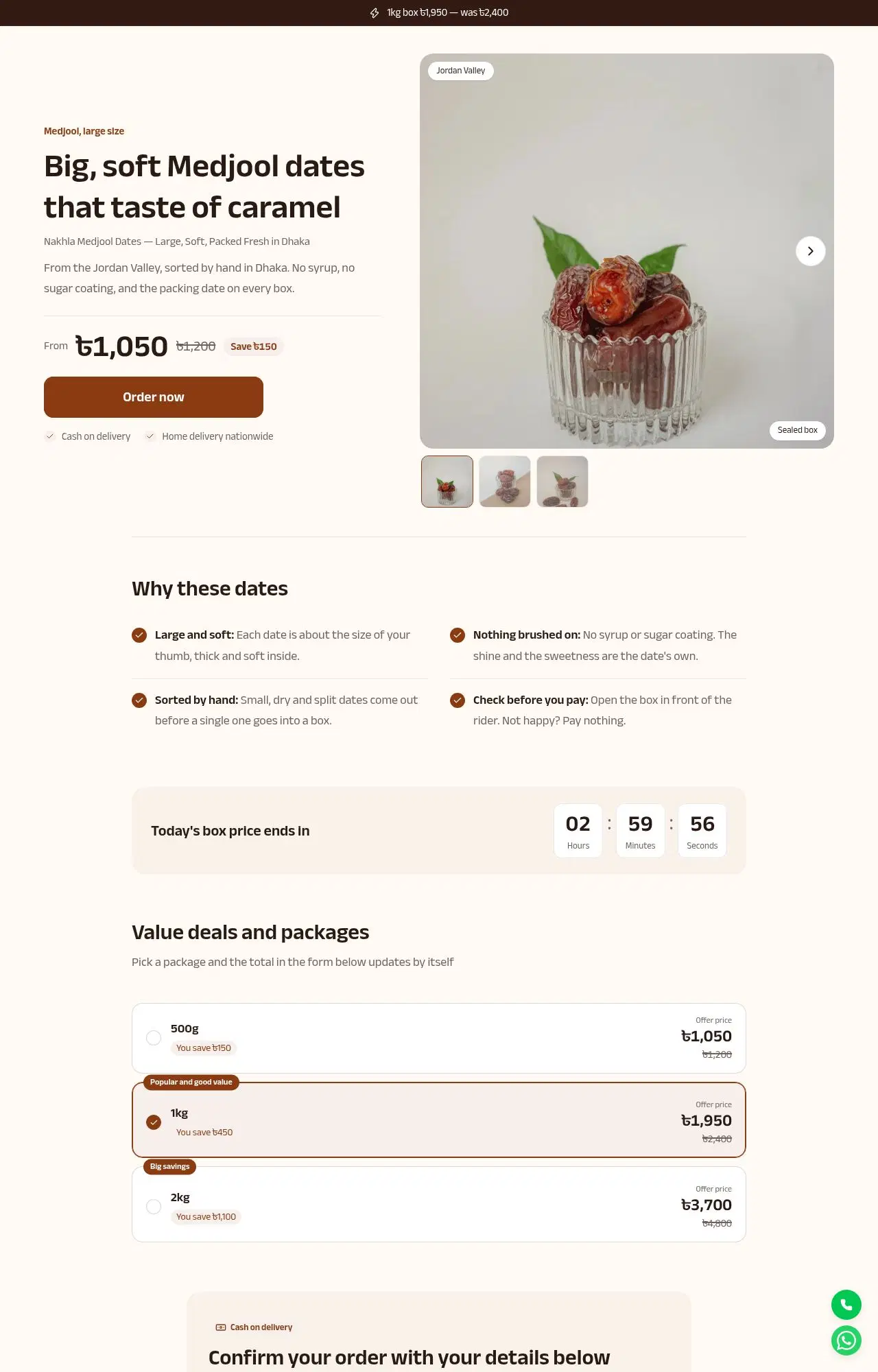
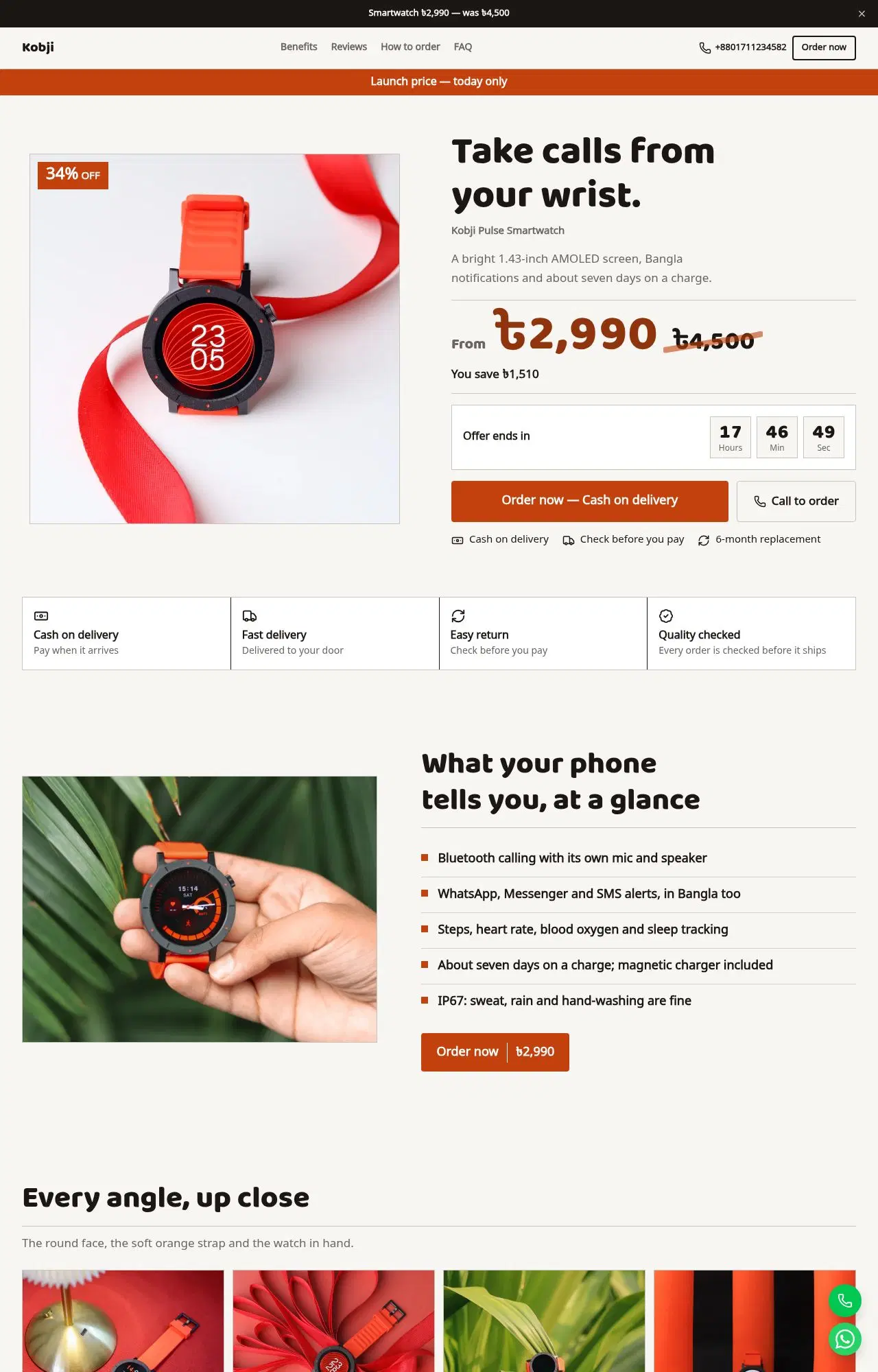
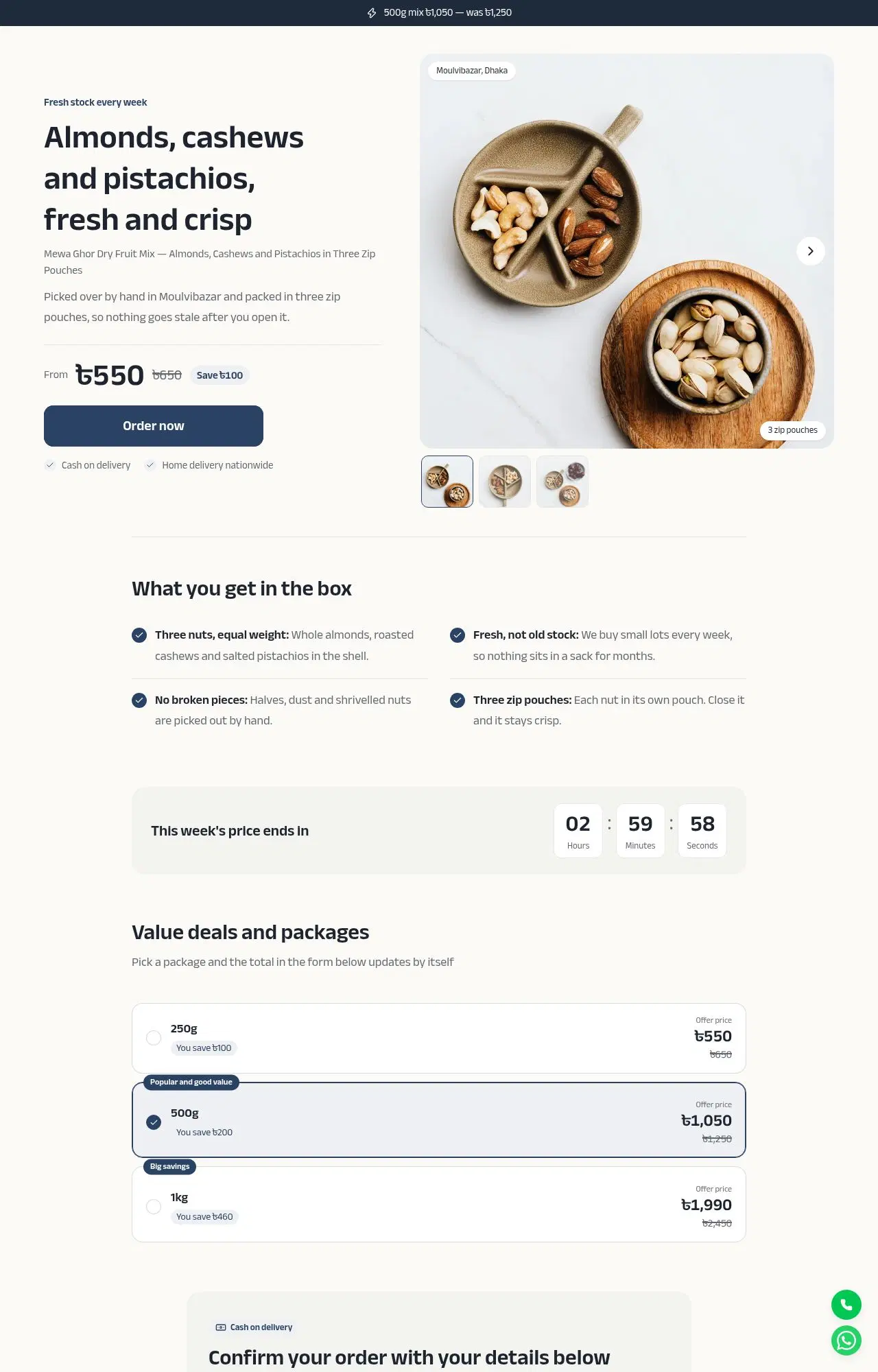
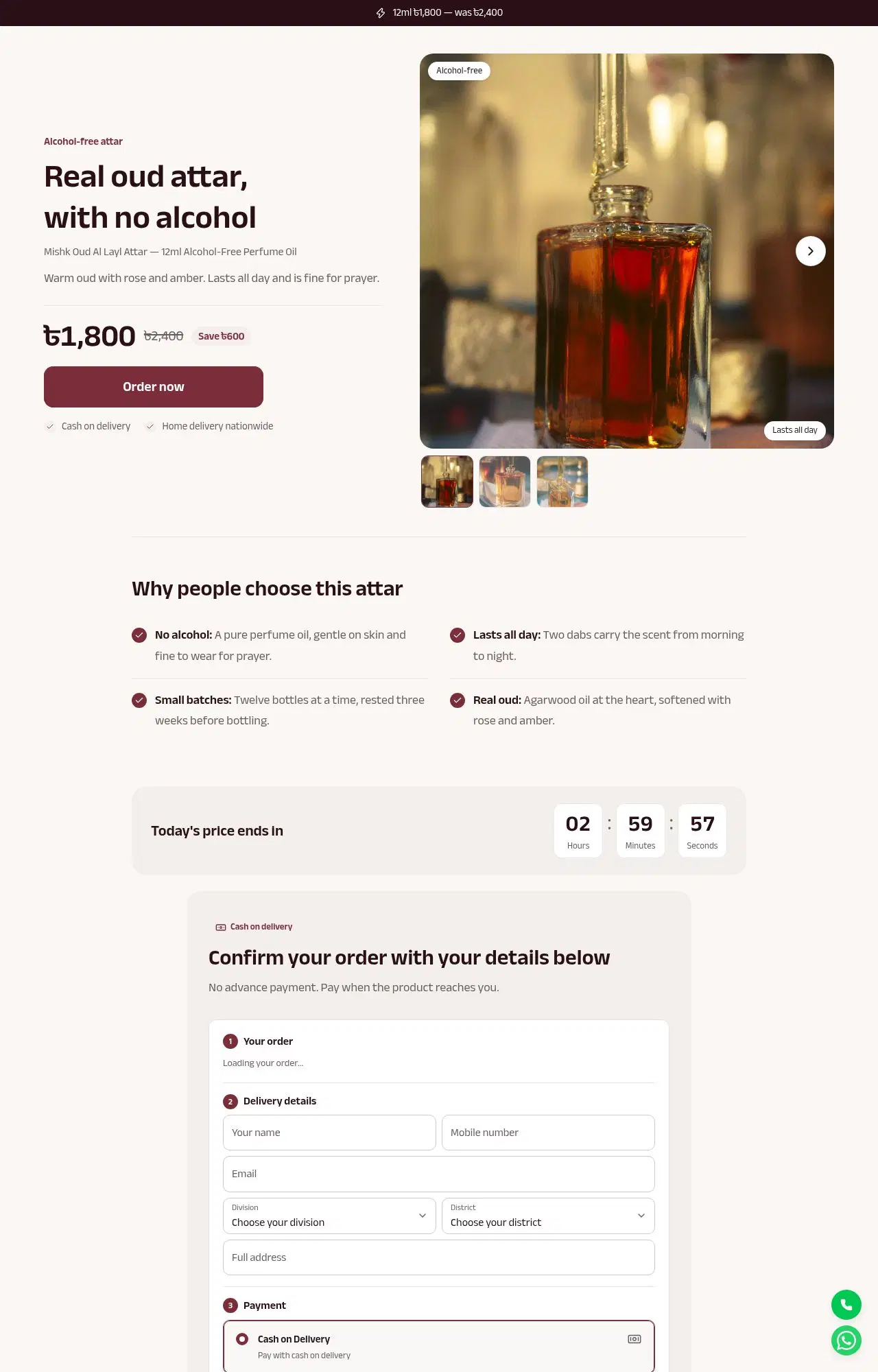
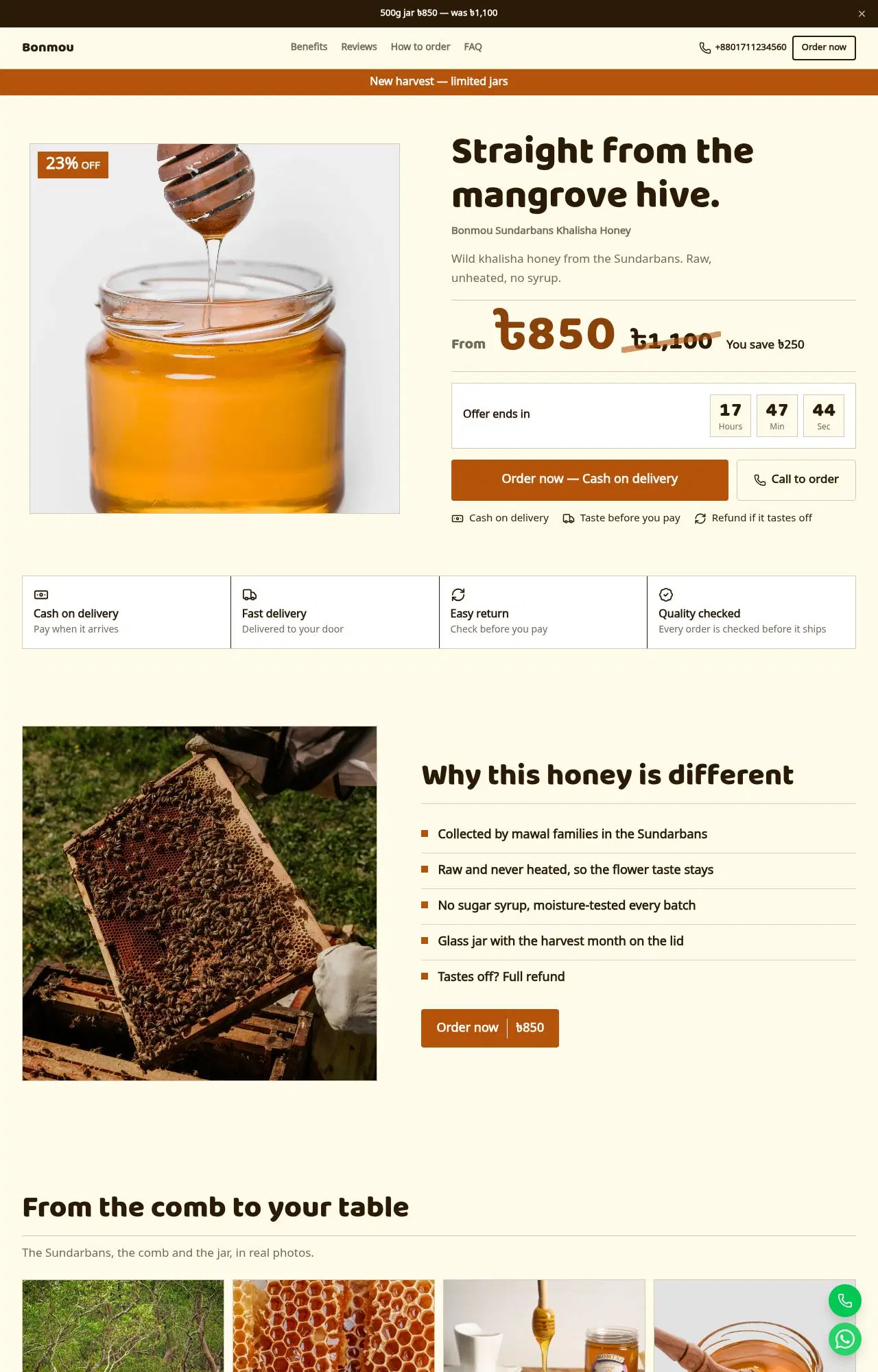
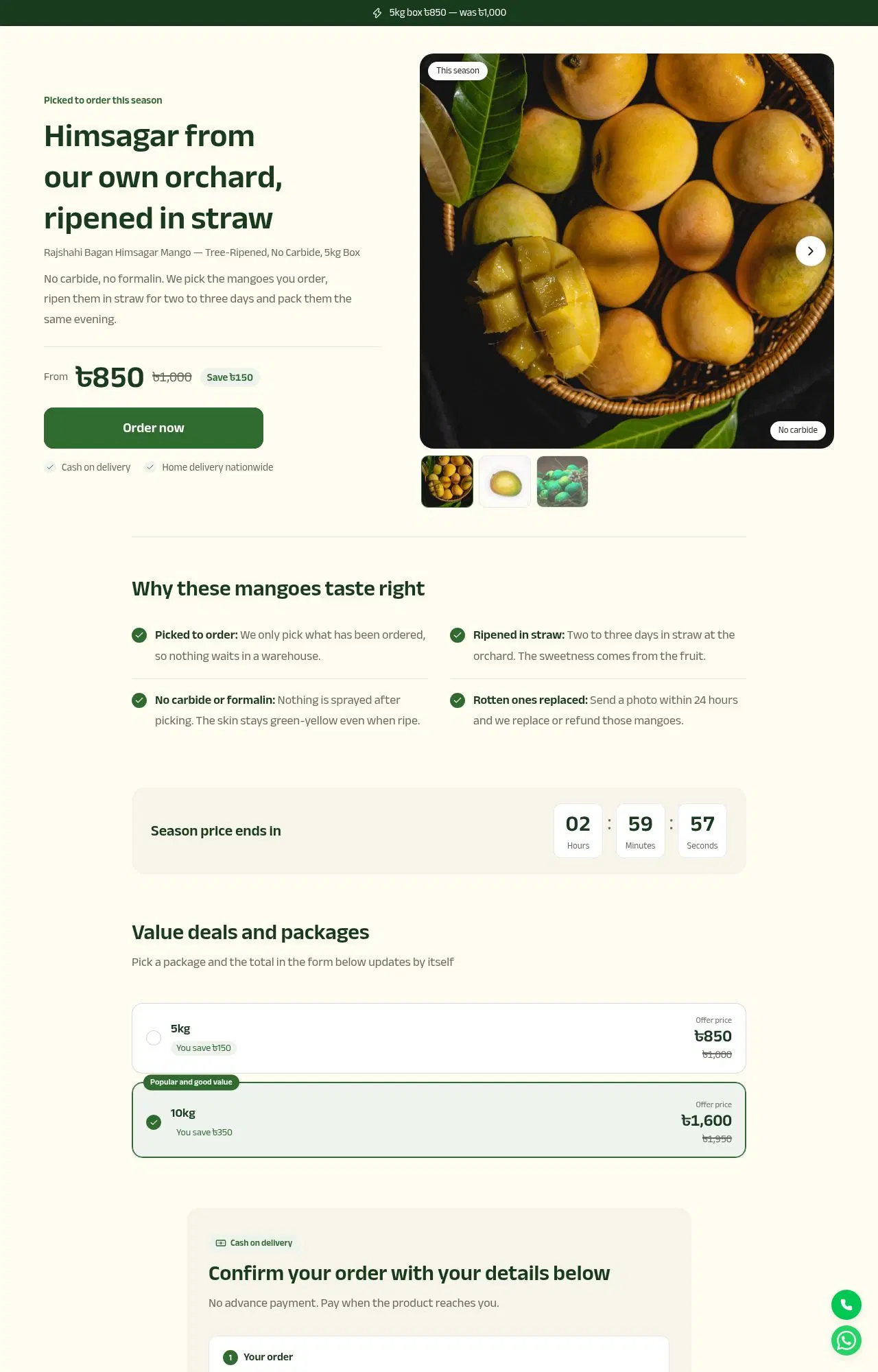
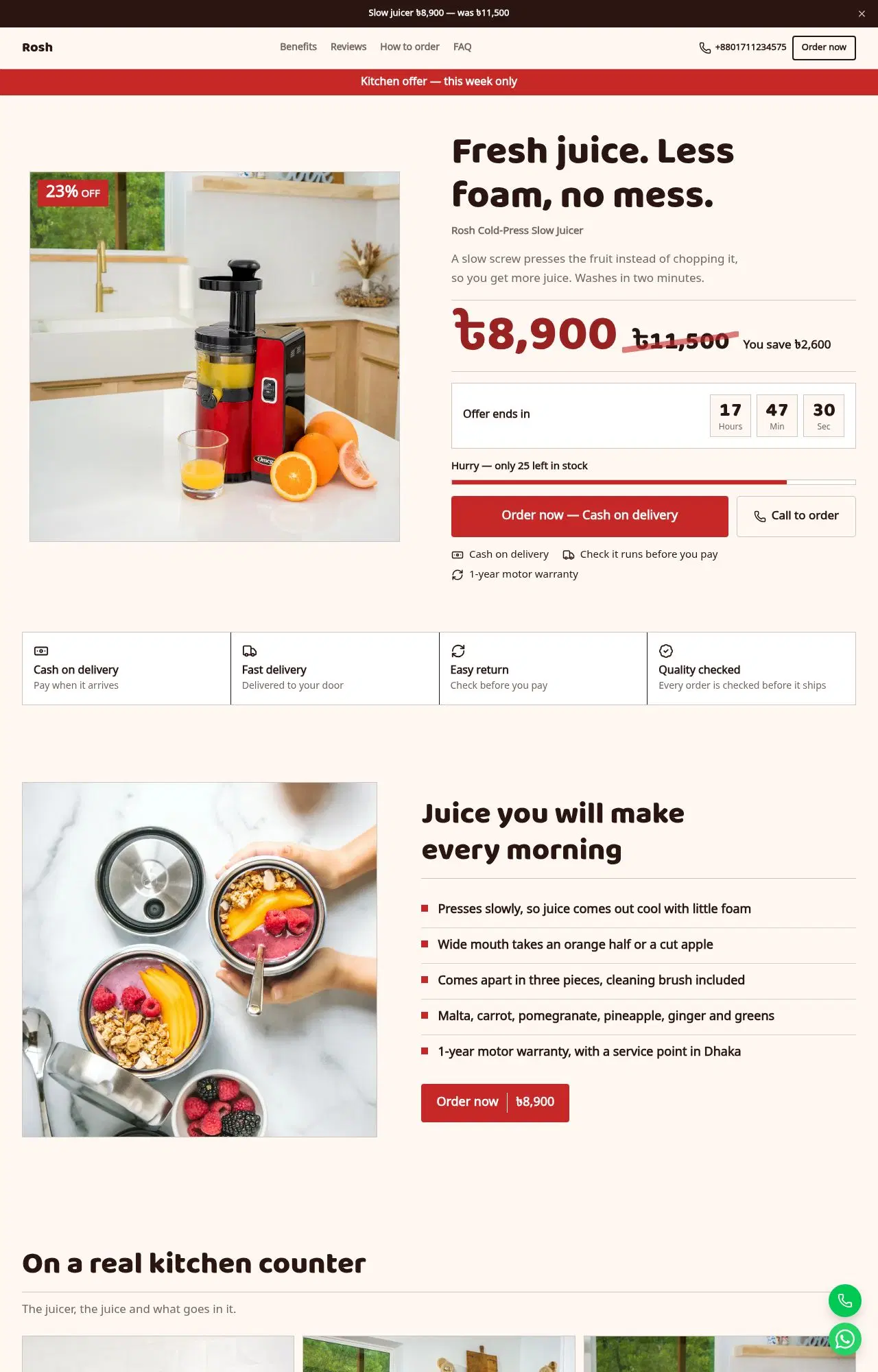
What every landing page has
Built for buyers who come from an ad on their phone and want to order quickly.
Order form on the page
Name, phone, district and address. The delivery charge is added and the total shown before the buyer confirms.
Cash on delivery and bKash
Take orders by cash on delivery, and ask for the delivery charge first by bKash or Nagad. From Starter, buyers can pay in full with FrameX Pay.
Package deals
Sell 1, 2 or 3 packs, each with its own price and saving. Swift shows them as cards; every design lets buyers pick on the form.
Countdown
Swift and Blaze have a countdown that starts again at midnight or ends on the date you set.
Order bar on phones
An order button stays at the bottom of the phone screen, so buyers can order from anywhere on the page.
Call and WhatsApp buttons
Call, WhatsApp and Messenger buttons on every design, for buyers who want to ask before they order.
Bangla
Every design comes with Bangla text. The order form, and division and district names, can show in Bangla too.
Fast on phones
Pages are built on the server, photos are sized for each screen and sent as WebP, and the form's script loads when it scrolls into view.
Search ready
Set each page's title and description. Turn on search listing and the page gets product data and joins your sitemap.
How it works
- 1
Pick a design
Choose Swift, Halo, Blaze or Muse, then the look closest to your product.
- 2
Add your product
Your photos, price, packs and delivery charge. Write the page the way you'd answer buyers in the inbox.
- 3
Publish
The page goes live on your store's address, at a link you choose. Bangla links work too.
- 4
Share the link in your ad
Put the link in your Facebook ad or post. Orders arrive in the same order list as your store.
Mira designs your landing page
Tell Mira about your product, or show her a page you like, and get a sales page built from your own photos.

Common questions
A single page for one product or offer, with the order form on the same page. The buyer comes from an ad, reads the page and orders without browsing a whole store.
No. All four designs and their looks are free on every plan.
2 on Free, 10 on Starter, 50 on Pro and no limit on Business.
You can ask buyers to pay the delivery charge first by bKash, Nagad, Rocket or Upay to your own number. From the Starter plan, once FrameX Pay is approved for your store, buyers can also pay the whole order online with bKash, Nagad, Rocket or a card.
Yes. With your Meta Pixel connected, the page reports a view and each order, and the server sends the purchase through the Conversions API too.
Landing pages live on your store's address. From the Starter plan you can connect your own domain, and your landing pages use it too.